
NeoTeacher, Neo, Teacher, neoteacher, نئوتیچر، نئو، تیچر، مدیریت کلاس، درس، مدرسه، معلم، استاد، شاگرد، دانش، آموز
Launch Your Virtual Desktop Now (Free Setup)
INTRODUCING NEOS: What is a "WebOS"?
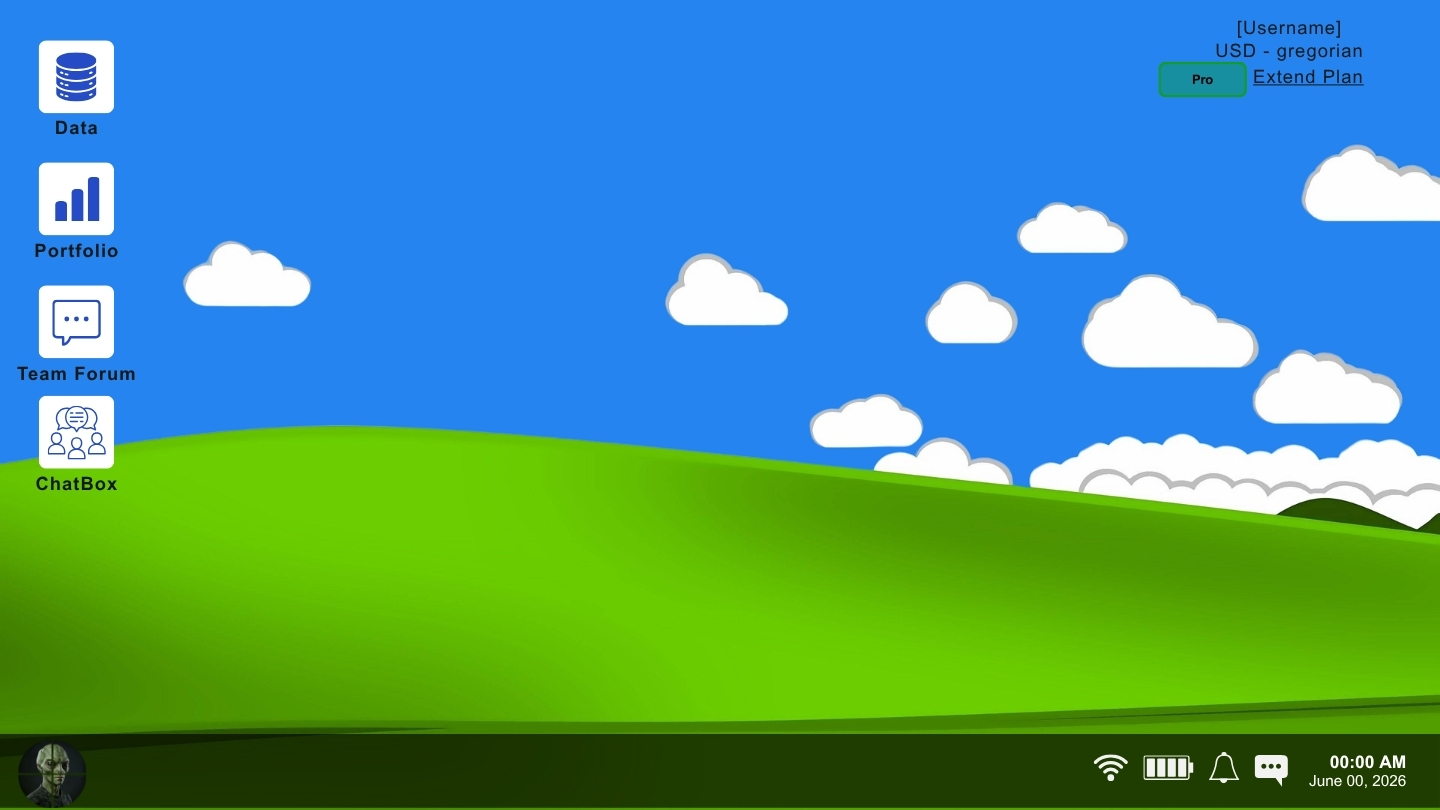
Think of Neos as an online operating system that runs entirely inside your web browser.
Instead of juggling 10 different apps (Notion for notes, Airtable for data, Zoom for webinars, Slack for chat, Quickbooks for accounting, PowerBI for analytics, and Google Calendar for scheduling), Neos brings everything together onto a single, interactive virtual desktop. You can open multiple windows, drag them around, resize them, and work on everything at the same time—all without ever leaving your browser tab.

CORE PLATFORM APPS and FEATURES
1. NeoWebinar Studio
(WebRTC Live Conference and Webinar Hall)
Host live broadcasts, online team meetings, and virtual lectures directly inside your WebOS desktop.
HD Video and Audio Streaming:
Low-latency WebRTC streaming with zero external downloads required.
Screen Sharing and Presentation Mode:
Share slides, software demos, or browser tabs fluidly.
Instant Broadcast Notifications:
Triggers browser push notifications and in-app taskbar alerts to notify all workspace members when a live webinar begins.
AI Executive Minutes Summarizer:
Automatically converts live webinar recordings and chat discussions into structured meeting summaries using Gemini AI.
2. Notion-Style Document Editor (Pages)
Write structured meeting notes, create collaborative wikis, or format simple project guidelines. Neos features a rich-text editor with slash commands (`/`), nested folders, callouts, and inline database embeds.
3. Custom Database Manager (Data Grids)
Manage your tasks, clients, inventory, or pipelines with our clean, intuitive database manager.
+ Add custom columns like text, numbers, dates, checkmarks, and currency.
+ Organize your items with beautiful, color-coded 'Multi-Select Tags' to group and filter records with zero input friction.
4. Adaptive Sales CRM (NeoCRM)
Track deals from prospect to payment with an intelligent sales pipeline built for real businesses.
+ Industry-Adaptive Stages: Automatically tailors sales stages to your trade
(Retail, Healthcare, Real Estate, SaaS, Manufacturing).
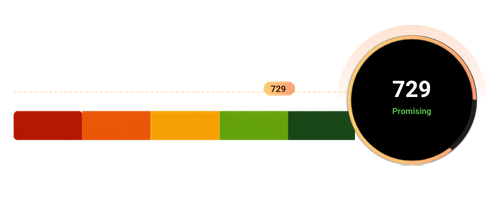
+ Lead Quality Scoring (0-100): Identifies your hottest prospects instantly using algorithmic propensity metrics.
+ Deal Aging & Stalled Warnings: Alerts you to stalled leads and overdue milestones before opportunities slip away.
+ 1-Click Invoice Generation: Converts won deals directly into official double-entry accounting invoices with one tap.
+ Cross-Page Lead Harvester: Syncs customer rows from any table or spreadsheet directly into your sales pipeline.
5. NeoBI Analytics Studio
Build visual dashboards with interactive charts (Bar, Line, Donut, Area, Funnel, Heatmaps) linked directly to your live workspace DataGrids with zero complex SQL required.
6. Smart Dual-Calendar System (Gregorian and Solar Hijri)
Neos is globally accessible. It includes native support for both standard 'Gregorian Calendars' and 'Solar Hijri (Jalali / Shamsi / Persian) Calendars' out of the box, making it the perfect scheduler for international teams.
7. Multi-Currency Financial Ledger
Keep track of expenses, budgets, or store sales with built-in multi-currency calculations. Neos natively supports USD ($), EUR (€), Iranian Rial (IRR), and UAE, with options to request any custom local currency for your region.
8. Real-Time Team Chat
Coordinate instantly with team members inside your active desktop. Send messages, share links, and collaborate live through a fast, lightweight, and fully secure messaging network.
9. AI Business DNA and Job-Aware Co-Pilot
Every virtual desktop understands your exact industry and operational trade.
+ Automatically maintains a living 'README.md' knowledge base of your business model, customer segments, bottlenecks, and financial goals.
+ Delivers tailored, executive-level growth playbooks, margin analyses, and operational suggestions grounded in your real workspace data with 'zero fake examples'.
+ Full native support for English, Persian, Arabic, and Dutch.
INDUSTRY USE CASES (Who is Neos For?)
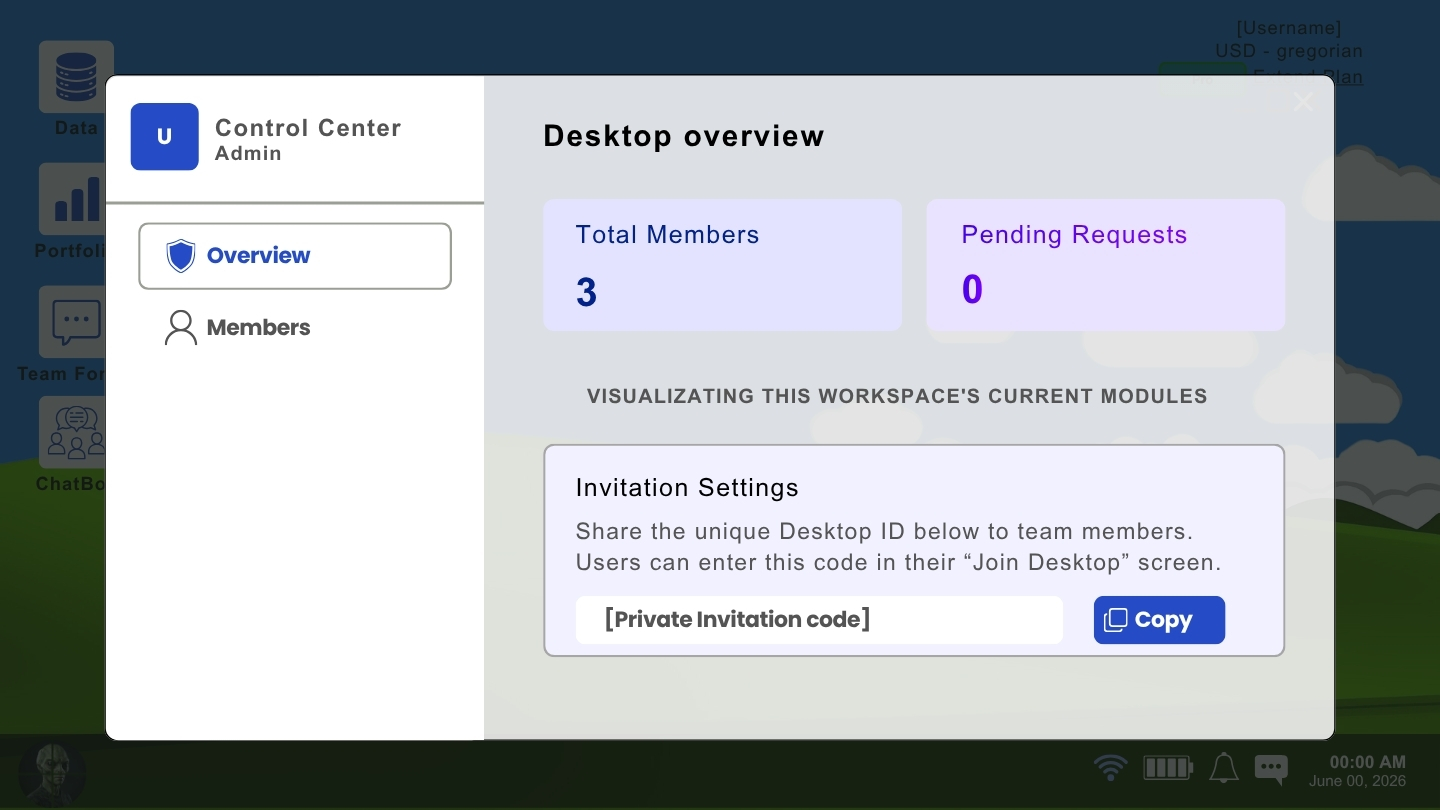
Schools and Digital Classrooms: Teachers can build a dedicated virtual classroom desktop. Share study materials, maintain secure student report cards, and hold live classroom webinars.
Factories and Logistics: Keep track of raw materials, store inventory thresholds, manage employee shift schedules, and restrict views so workers only see the data they need.
Shops and Retail Stores: Set up your private digital accounting ledger, manage supplier contact cards, and calculate daily multi-currency sales effortlessly.
Law Enforcement and Coordination: Coordinate active incident logs, manage shift rosters, and communicate precinct-wide in real-time across multiple screens.
Expense Splitting (Ledger): Share travel budgets with friends, register individual spends, and calculate exactly who owes what with automated balance math.

ENTERPRISE-GRADE SECURITY & DATA PRIVACY
We know that your corporate and personal data is your most valuable asset. That is why Neos is built on a foundation of absolute privacy and advanced bank-grade security protocols.
1. Ironclad Workspace Isolation
Your workspace is your castle. Neos utilizes strict Row-Level Security (RLS) and multi-tenant isolation. Your databases, files, and chats are cryptographically locked to your specific workspace. No other users, companies, or third parties can ever access your information.
2. Zero Unsolicited Data-Sharing
We do not sell, rent, or train AI models on your personal or corporate data. Your inputs, notes, customer ledgers, and financial logs remain 100% your private property.
3. Hourly Automated Backups
Never worry about losing your work. Neos automatically saves and backs up your data to secure, redundant cloud servers every hour.
SIMPLE PRICING PLANS
Free Tier ($0/month)
+ Single Virtual Desktop Workspace
+ Core Document Editor and DataGrids
+ Standard Real-Time Chat
+ Up to 5 Team Members
PRO Plan ($19/user/month or $179/year)
Unlimited Virtual Desktop Workspaces
+ NeoCRM Sales Pipeline and Lead Scoring
+ NeoBI Analytics Studio and Visual Dashboards
+ NeoWebinar Live Video Streaming and AI Summarizer
+ AI Business DNA Strategic Co-Pilot
+ Priority Customer Support
ULTRA Plan ($49/user/month or $449/year)
+ Everything in PRO
+ Dual-Calendar Conversion Engine (Gregorian & Solar Hijri)
+ Automated Double-Entry Accounting Ledger
+ Dedicated WebRTC TURN Server Allocation
+ Custom Currency Request Gateway
+ Dedicated Account Manager
GET STARTED IN 60 SECONDS
1. Visit [NeoNotion.net/neos].
2. Sign up with your email or Google account.
3. Name your desktop workspace and start organizing your business with ease!